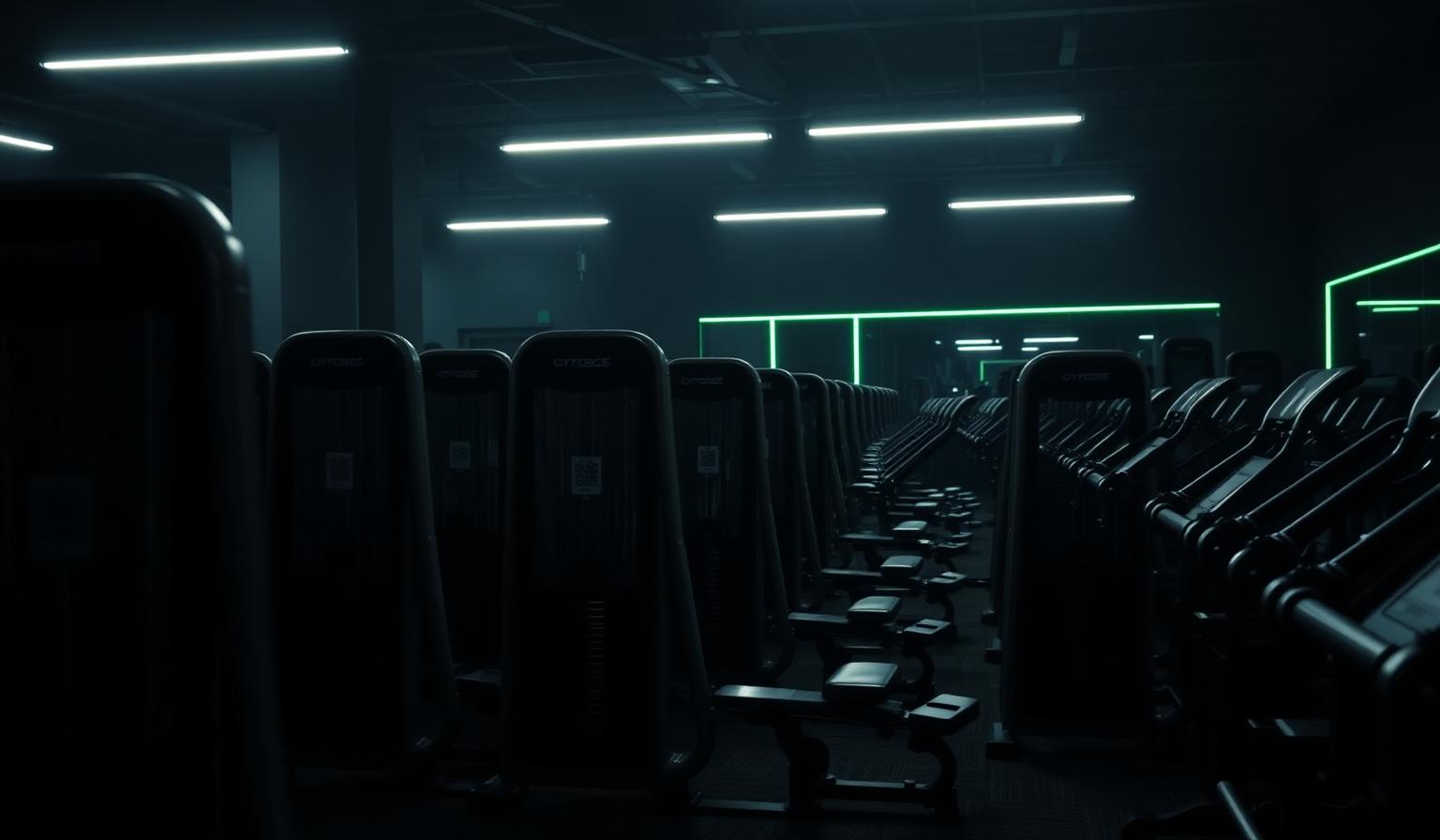
Multiple units of the same machine
Most centers have several of the same model. Each physical unit gets its own number and its own QR code, so a fault, a service log or a busy signal points at one machine — not at all six.
- Set how many units of a model the room has
- A printable code per unit, numbered
- Retire a single unit without touching the others
Never add the same machine twice
A 360° sweep, a few photos and a manual pick all feed the same inventory. Before anything is saved we match what was found against what already stands in the room and show you the difference.
- Already-in-the-room machines are marked, not duplicated
- Name variants of the same model are matched
- A review step before anything is written
Move a machine, keep its history
Rearranged the floor? Move a unit to another room in the center and its QR code keeps working. Service history, staff tips and maintenance jobs travel with it.
- Printed labels keep pointing at the right machine
- Service log and staff tips follow the unit
- Only the floor-plan marker is reset
A room can't be emptied by accident
Removing equipment is an explicit act, and only a center admin can do it. Staff can add, count and move — but nobody clears a room with a stray tap.
- Removals need an admin and a confirmation
- A preview of exactly what will disappear
- Open faults are closed cleanly on removal
How it works
Scan or pick
Sweep the room on video, upload photos, or choose machines by hand.
Review the diff
See what is new, what is already there and how many units of each.
Print and go
One numbered QR label per unit, ready for the sticker sheet.
Common questions
Keep exploring
Related capabilities
Room scan
Photograph your space. We detect every piece of equipment and design around it.
Learn moreStaff schedules & routines
Today's jobs, shifts, departments and handovers in one staff-only workspace — plus a nightly brief for tomorrow.
Learn moreFloor plan
A 2D map of your gym. Tap a piece of equipment to start training with it.
Learn more