Your center runs on a checklist, not on memory.
Today's jobs, who owns them, what got done and what still needs a hand — in one screen your staff opens with their morning coffee.
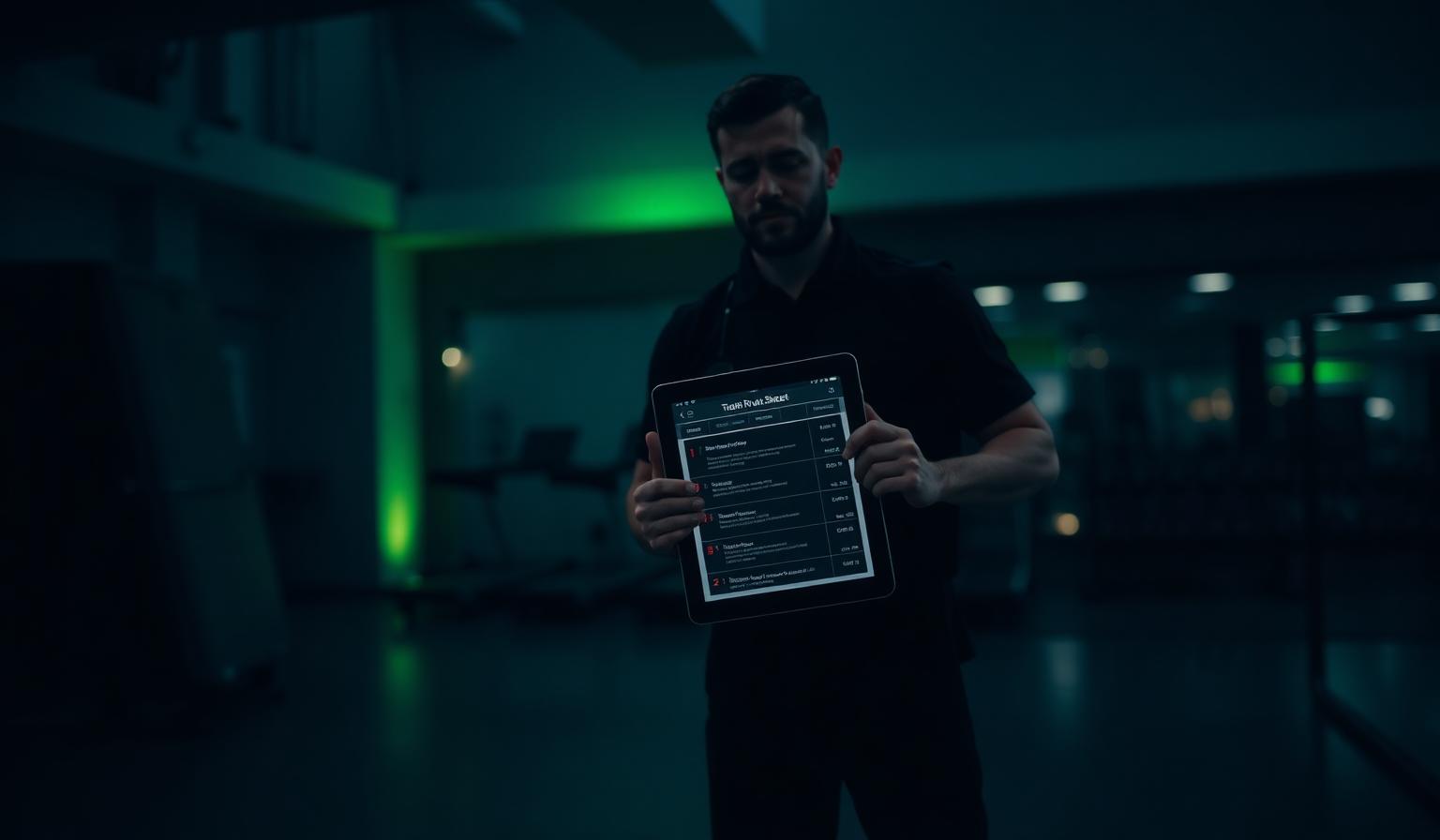
One run-sheet for today
Opening checks, cleaning rounds, machine service, members who need a follow-up and every help request from the floor land in one ordered list. Tick them off as you go.
- Recurring routines generate themselves each day
- Faults reported by members appear as jobs
- "Mine" filter shows only what you own
Departments that match the center
Organize staff in Motion, Café, Administration, Rengøring, Service or the departments your center needs. Each department gets a channel, and notices and calendar events can reach only its members.
- One person can belong to several departments
- A default channel follows each department automatically
- Owners and admins maintain departments
Preventive care, logged
Every machine keeps its own service history. Cables, belts, upholstery and lubrication come back on schedule instead of the day something snaps.
- Service intervals per machine
- Faults reported straight from a QR scan
- Repair status visible to the member who reported it
A brief that writes itself overnight
While the center is closed we read the day: attendance, busy hours, overdue service, members who went quiet. In the morning your team gets a short summary with what to do about it.
- Attendance and busy-hour trends
- Members worth a conversation today
- Overdue maintenance flagged before it fails
Paperwork that does not live in a drawer
APV, action plans, yearly working-environment discussion, instructions and staff conversations sit next to the daily run-sheet, with review dates and confirmations instead of loose files.
- APV and annual discussion document types
- Required reading and missing-confirmation lists
- Recurring staff conversations with actions
How it works
Set up departments
Use the five defaults or add the departments your center needs.
Write your routines
Daily, weekly or monthly jobs, each assigned to a person or left open.
Open Today
Staff tick jobs off; the nightly brief tells you what tomorrow needs.
Common questions
Keep exploring
Related capabilities
APV & staff paperwork
Track APV documents, annual working-environment minutes, required reading, versions and recurring staff conversations in the same staff space.
Learn moreOpening hours & Google
Weekly hours, holiday exceptions, a live open-now status everywhere — and a Google listing helper that keeps your hours right on Google.
Learn moreStaff space — shifts, wall & docs
A private space for your team: shift calendar, cover requests, notices with seen-by, topic channels, documents, confirmations and staff conversations. Members never see it.
Learn moreEquipment inventory control
Count every unit, catch duplicates before they are saved, and move a machine between rooms with its QR code intact.
Learn moreFor fitness centers
Give your members a guided tour of your gym — equipment, floor plan, groups and assigned programs.
Learn more