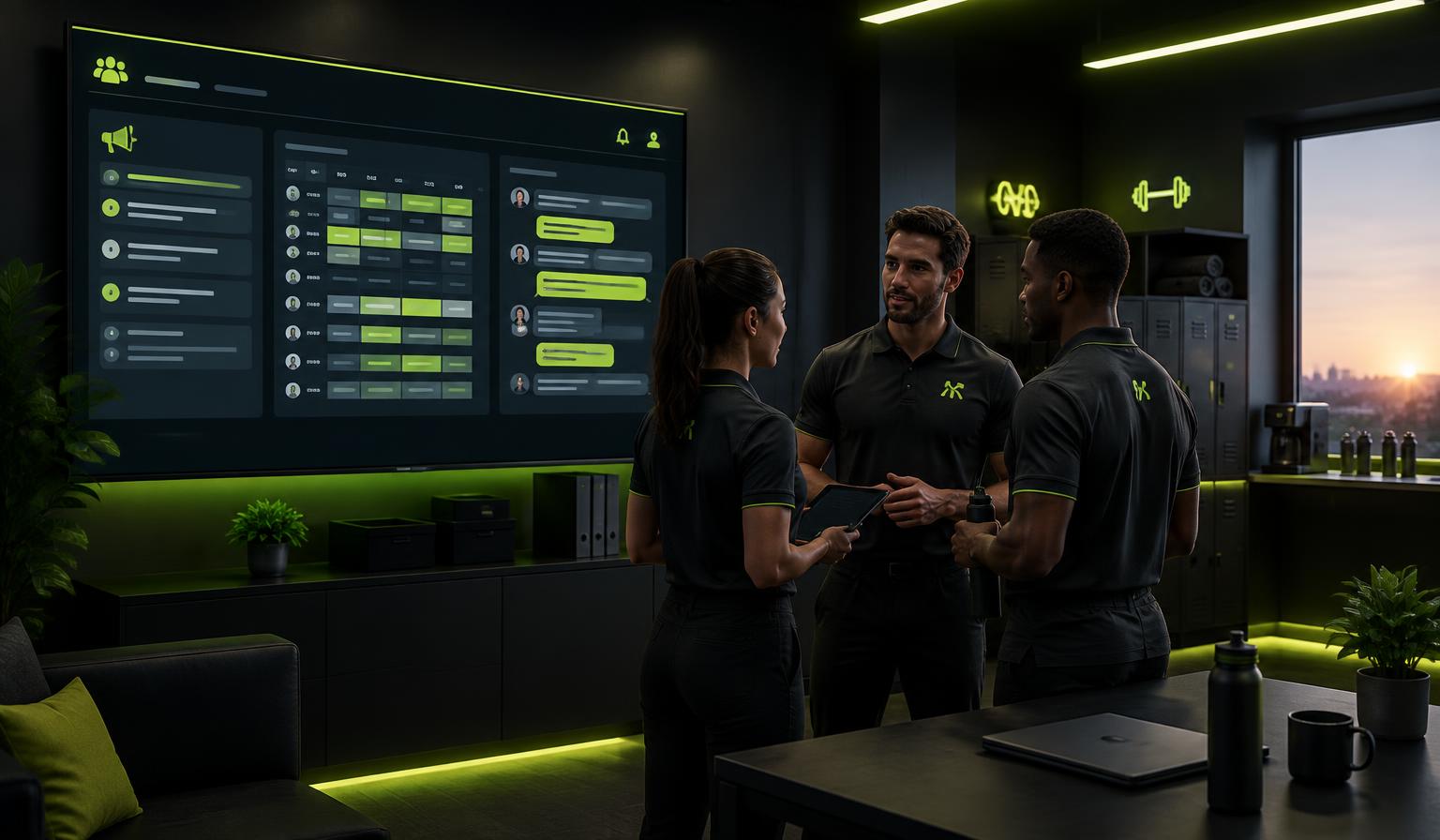
A dashboard that starts the day
When a team member opens the staff space they see their own next shift, who is on the floor right now, shifts waiting for cover, documents they still need to confirm and the newest staff messages — in the center's own time zone.
- My shift, on-floor now and open covers at a glance
- Documents waiting for my confirmation
- Unread notices and channels that need attention
A notice wall that holds people accountable
Post to everyone or only to chosen roles. Pin what matters, set a 'show until' date so old news expires itself, and see exactly who has read each notice — with comments for questions.
- Target everyone or specific staff roles
- Seen-by tracking on every notice
- Pinning, expiry dates and comment threads
A real shift calendar, not just a list
Plan by day, week, month or person. Click an empty spot to add a shift, drag a shift to another day or employee, copy last week and let colleagues take open cover shifts in one tap.
- Day, week, month and people views
- Drag shifts, copy last week and print the plan
- Warnings for double booking and approved absence
Channels for every topic
Maintenance, cleaning, equipment, shifts, the summer party — open a channel for whatever the team needs to talk about. One-click topics get you started, and a channel can be open to all staff or limited to chosen roles.
- One-click topics: maintenance, cleaning, equipment, shifts, party
- Open to all staff or restricted by role
- Internal chats are badged so they never mix with member messages
Documents staff can prove they have read
House rules, instructions, employment terms and workplace documents can require reading confirmation. Each real change creates a new version, so you can see exactly who confirmed which wording.
- Required reading with confirmed and missing lists
- Version history for every important document
- Preview, comments and direct message to the owner
Conversations that come back on time
Plan one-to-ones, introductions, sickness absence talks, APV follow-ups and MUS-style development conversations. Add agenda and preparation questions, write a minute afterwards and turn agreements into actions.
- Recurring yearly, quarterly, monthly or every three years
- Employee preparation and minute confirmation
- Private to the employee and center owners/admins
A role for employees who are not trainers
Give front-desk, cleaning or floor staff an Employee role. They get the staff space, shifts, wall, documents and tasks, but they do not see member health, prescriptions, checkups or coaching notes.
- Employee, Trainer, Admin and Owner are separate roles
- Employees can work the floor without member health data
- Only owners and admins create channels and documents
How it works
Add your team
Pick Owner, Admin, Trainer or Employee and the right staff tools appear automatically.
Plan the week
Add shifts, notices, documents and the channels your team needs to run the floor.
Track what is done
See cover, missed confirmations, unread notices and conversation actions before they become surprises.
Common questions
Keep exploring
Related capabilities
APV & staff paperwork
Track APV documents, annual working-environment minutes, required reading, versions and recurring staff conversations in the same staff space.
Learn moreOpening hours & Google
Weekly hours, holiday exceptions, a live open-now status everywhere — and a Google listing helper that keeps your hours right on Google.
Learn moreStaff run-sheet & routines
Today's jobs, owners and roles in one screen — plus a nightly brief on what the center needs tomorrow.
Learn moreFor fitness centers
Give your members a guided tour of your gym — equipment, floor plan, groups and assigned programs.
Learn more