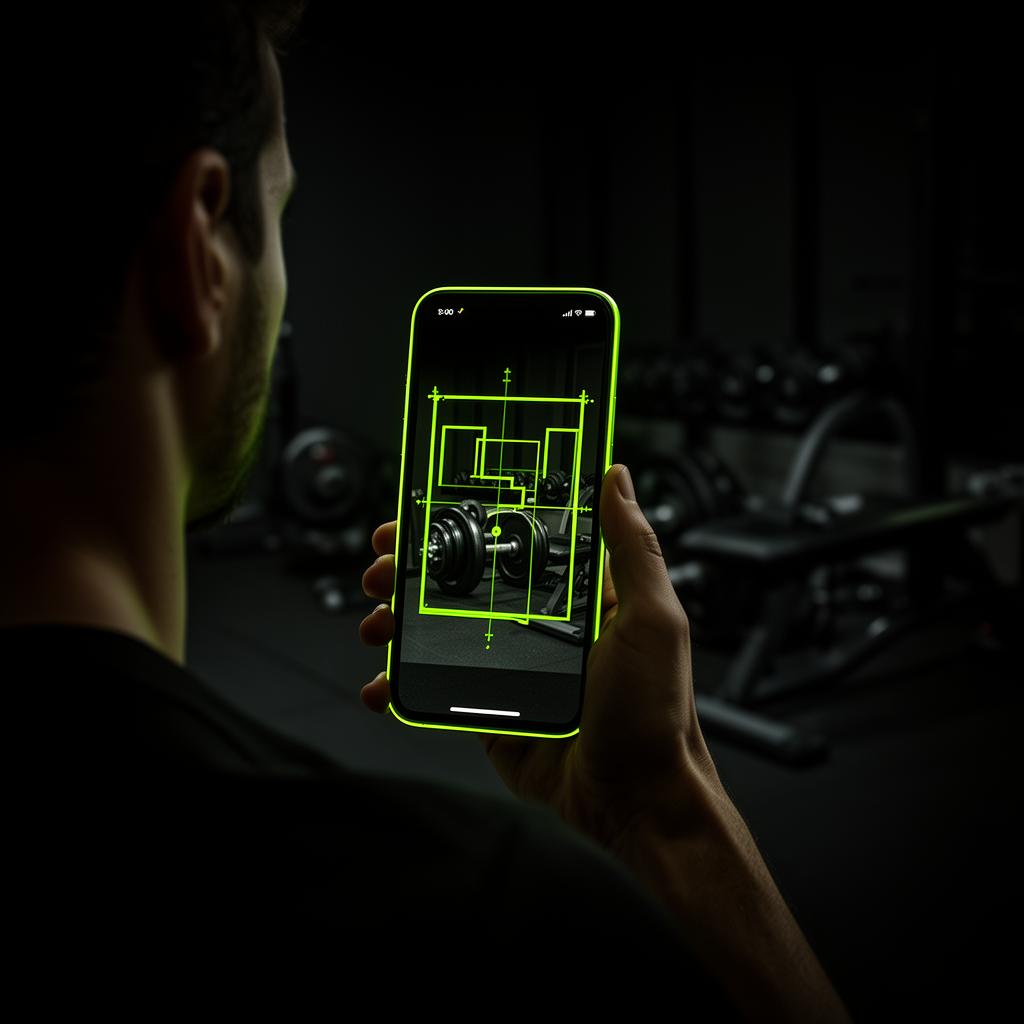
One 360° sweep, every machine pinned
Vision model trained on home gyms
Most fitness models know commercial racks. Ours was trained on living rooms, basements, garages, hotel rooms, and folded-up flat shares.
- Recognizes 200+ items including kettlebells, dumbbells, bands, racks, machines
- Estimates floor area
- Spots ceiling height limits (overhead press, jump rope)
Equipment library you can edit
Detected items land in your library with quantities and weights. Add, remove, or tweak — the program updates immediately.
- Per-item quantity + weight
- Manual override for missed items
- Plate inventory powers the calculator
Re-scan whenever the room changes
Moved house? Bought a bench? Re-run the scan. The program adapts to the new constraints without losing your history.
- Diff view: what changed
- Preserves PRs and trends
- One-tap re-program
Privacy you'd expect
Photos are processed for detection then deleted unless you keep them. We never train on your space without consent.
- Delete photos after scan
- No third-party sharing
- Opt-in to anonymized improvement
Nothing quietly dropped
The scan sweeps the photo end to end, counts duplicates (four benches, not "a bench"), and anything it can't match to the catalogue comes back as an unmatched item instead of disappearing. You map it, add it by hand, or let AI enrich it from just a name.
- Exhaustive sweep with a second what-did-I-miss pass
- Unmatched items surfaced, never silently discarded
- Manual add with AI enrichment for anything unusual
Capture a whole room in one turn
Instead of hunting for the angle that fits everything in, stand in the middle and turn slowly while filming. The app pulls sharp frames out of the sweep and reads them as one room, so equipment along every wall is counted once.
- One slow 360° video instead of a photo hunt
- Frames extracted and de-duplicated automatically
- Progress shown while the sweep is read
Walk the walls
Photos tell us what is in the room; walking tells us its shape. Start the capture, walk the perimeter once with the phone in your hand, and the outline is traced from your own path — including the bay in the corner and the bit that juts out behind the racks.
- Trace the real outline by walking it once
- Live coverage shows which walls you still owe
- Works alongside photos, never instead of them
Rooms that are not rectangles
Most gym floors are an L, a T, or a square with a smaller square bitten out of it. The scan now infers that shape from the photos, votes across every image that shows a wall or a corner, and shows you the four possible orientations so a human can confirm in one tap.
- L-shaped and cut-corner halls detected
- Confidence-weighted across every photo
- Confirm or rotate the shape yourself
Doors and windows, found automatically
Openings matter: they decide where a machine cannot go and where the light comes from. Sightings of doors and windows are clustered across photos and projected onto the outline, then offered as suggestions your staff approve before they land on the plan.
- Doors and windows suggested from the photos
- Approved by staff before they change the plan
- Openings kept in place when the shape is edited
How it works
Photograph
3–6 photos from different angles.
Confirm
Review what we found.
Train
A real program, in under a minute.
Common questions
Keep exploring