Type it like you'd say it. That's the whole interface.
"400 g skyr with 50 g oats and a banana" is three foods, and that is exactly what comes back — each with its own amount and macros, ready to add in a single tap. Log it once and it quietly becomes a recipe, so tomorrow's breakfast takes two seconds.
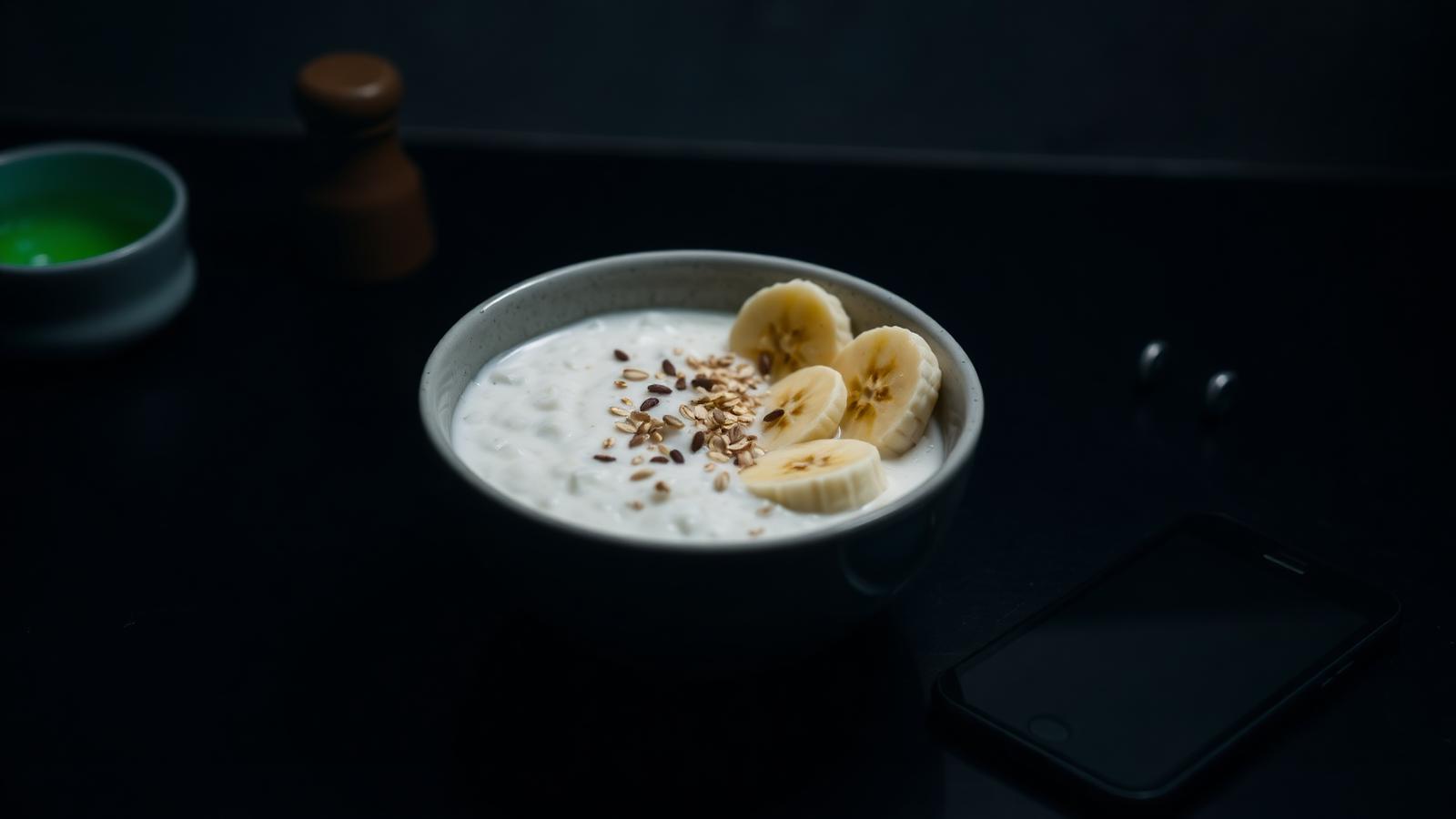
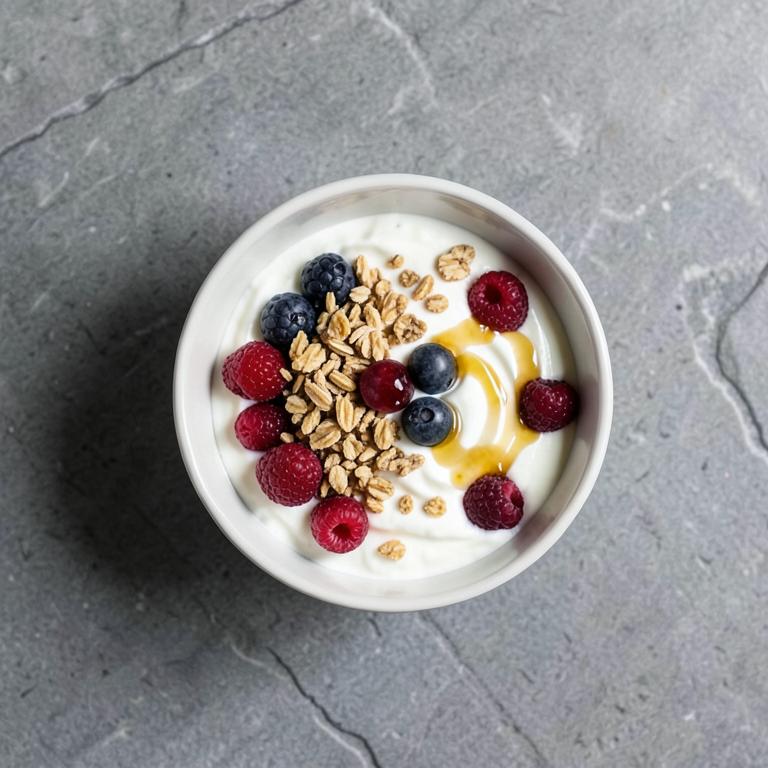
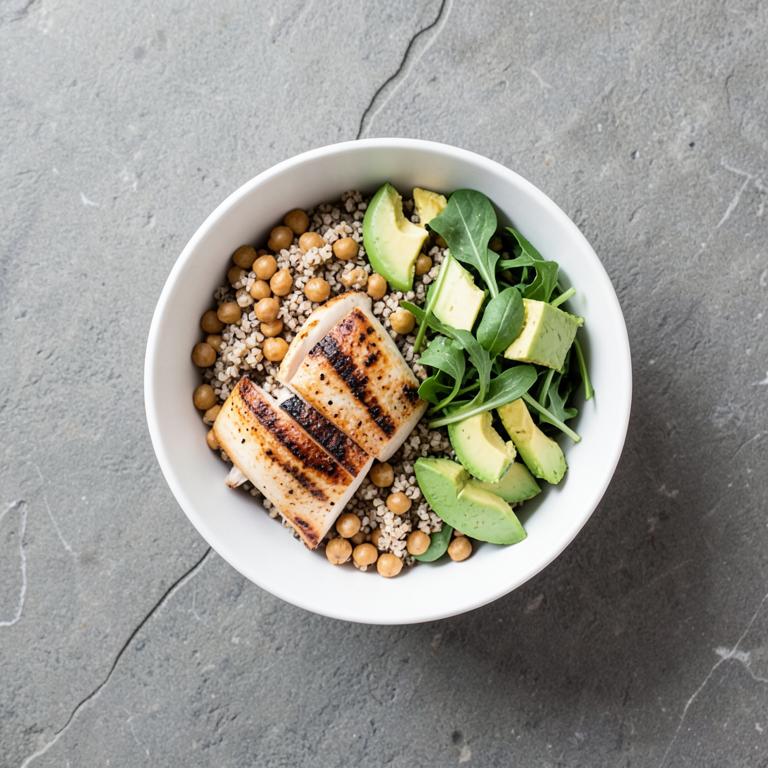
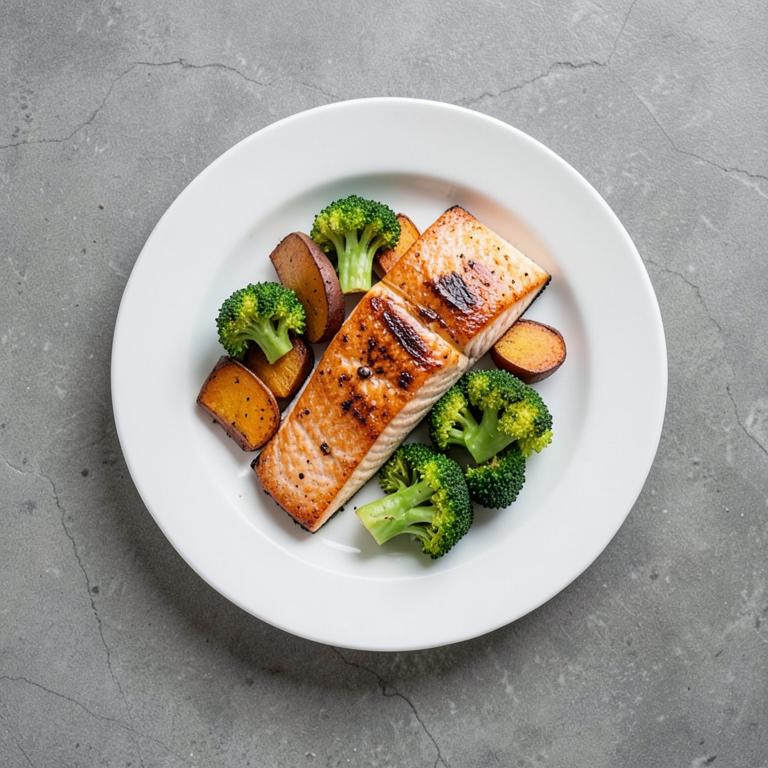
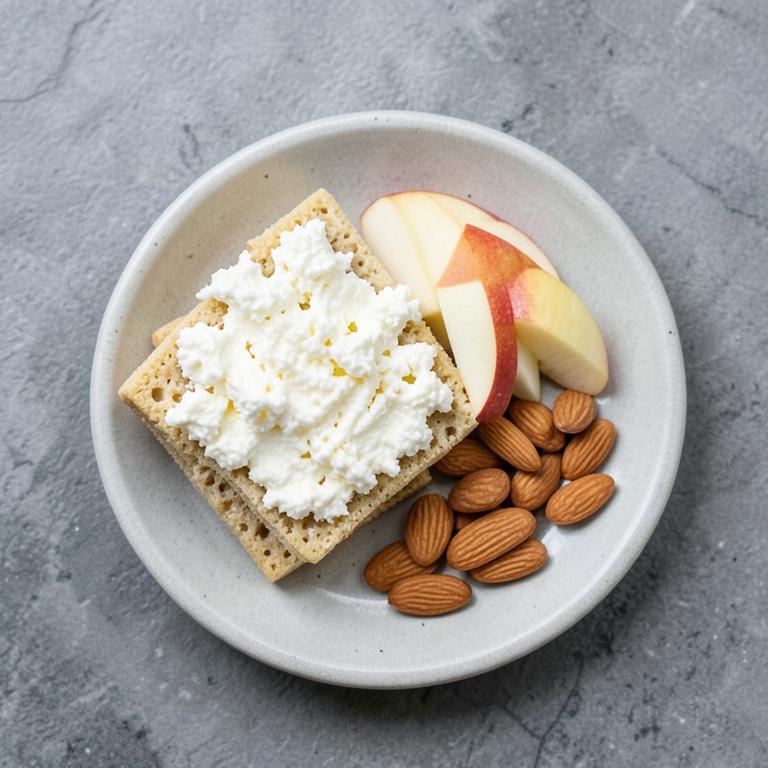
A library of 200 meals, built in
Don't feel like writing? Browse the meal library: 200 coach-built dishes with photos, per-serving macros and step-by-step instructions in your language. Filter by meal type, goal, diet or prep time — then add one to today, or save it as your own recipe.
- Filter by goal, diet and prep time
- Add to your day with one tap
- Save any dish as your own recipe
One sentence, every food found
The parser understands how people actually write food: commas, plus signs, and the little joining words in every language we ship — with, med, mit, avec, con. Each food is looked up in the library first and only estimated by AI when it is genuinely new, so common foods stay consistent from day to day.
- Several foods in one sentence, never merged
- Grams you typed beat any default serving
- Known foods come from the library, not a guess
Review before anything is logged
The result is a list you can see: every item with its amount, calories and macros. Fix an amount, remove the thing you did not actually eat, then add the lot in one tap. Nothing lands in your day until you say so.
- Edit or drop any item before saving
- Add everything at once, not food by food
- Barcodes and plain searches use the same review list
Meals become recipes on their own
Log something with more than one ingredient and it is quietly saved as a named recipe — no extra step, no dialog. If you did not want it, one tap on Undo removes it again. Your regular breakfast ends up as a single button within a week of using the app.
- Auto-named, with duplicate detection
- Undo right from the confirmation
- Reuse a recipe with one tap, any day
The recipe editor is just as smart
Building a recipe from scratch uses the same input: describe the ingredients, scan a barcode, or search by name, then add them all at once. Portion the finished recipe however you like and the macros scale with it.
- Same AI input inside the editor
- Scale a recipe to the portion you ate
- Feeds straight into your daily targets
How it works
Describe
Write the meal in your own words.
Check
Every food listed with its own amount.
Reuse
It is a recipe now — tomorrow is one tap.
Common questions
Keep exploring
Related capabilities
Nutrition
Meals, macros, water and calorie targets — the coach connects food and training.
Learn moreAI Coach v2
Onboarding chat, daily check-ins, weekly reviews, a voice coach — powered by GPT‑5 mini.
Learn moreDaily check-in
Sleep, stress, illness and pain in 30 seconds — today's session adjusts itself.
Learn more