Bring your whole center over in one upload.
Upload the list you already have. FitMove understands the columns, suggests a role for every person and sends the invitations.
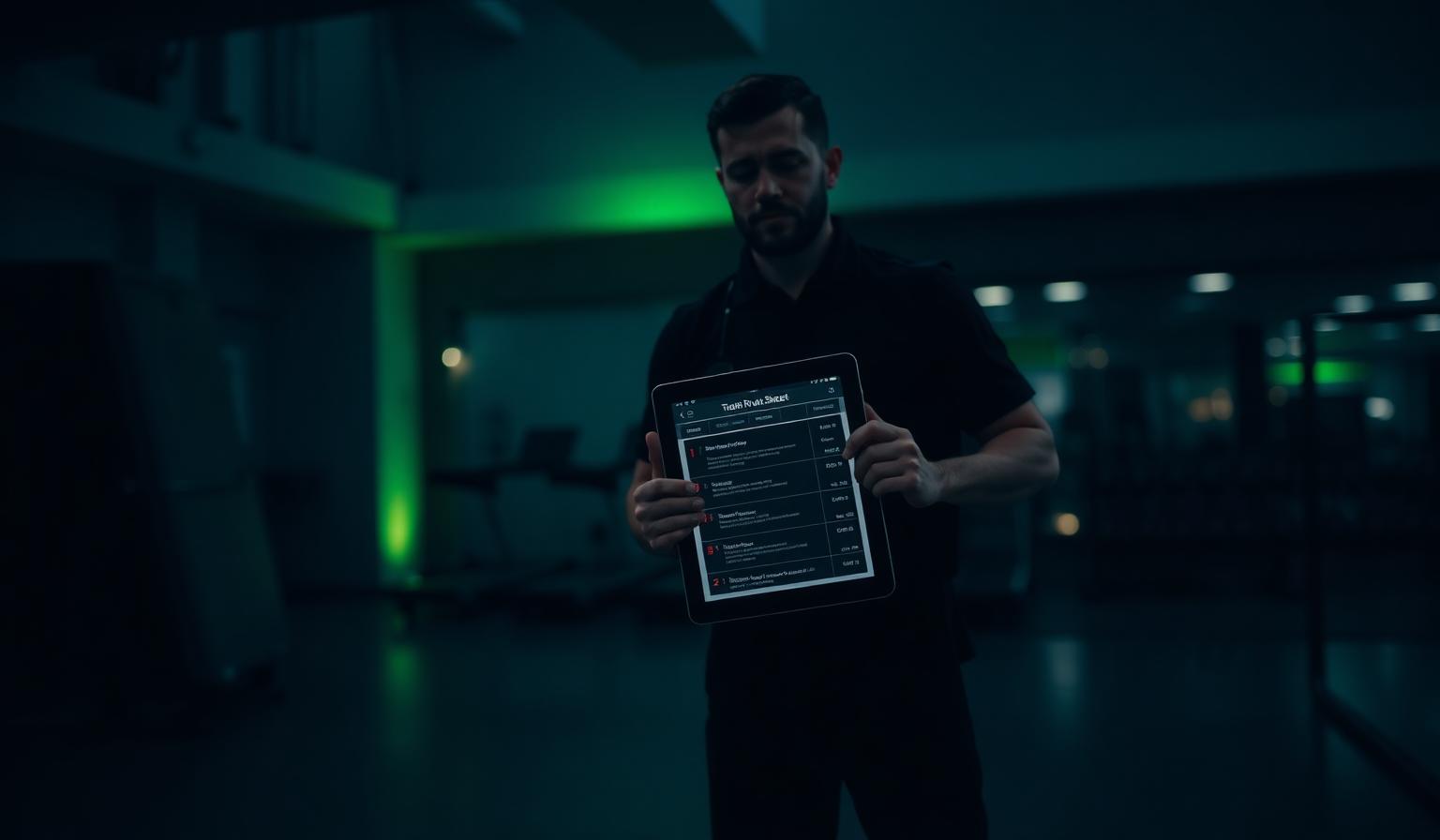
Any list you already have
CSV, Excel and XML files of up to 2,000 rows. AI reads the column headings and suggests how they map, and you can correct anything before importing.
- CSV, XLSX and XML
- Columns mapped automatically
- Review before anything is saved
The right role for every row
Choose member, trainer, employee or admin per row, and assign staff to departments. Duplicates and missing emails are flagged before you import.
- Role per row
- Departments for staff
- Duplicates and gaps flagged
Privacy by design
Only the column headings and five sample rows are analysed, with CPR numbers removed first. The file itself isn't stored, and only counts are written to the log.
- CPR numbers removed before analysis
- The uploaded file isn't kept
- Results downloadable as CSV
How it works
Upload your file
Drop in a CSV, Excel or XML export.
Check roles and columns
Adjust the suggested mapping and roles.
Invite everyone
Invitations go out and you get a result report.
Common questions
Keep exploring
Related capabilities
Departments & staff wall
Departments with their own channels, targeted notices and one staff calendar.
Learn moreMember CRM & sign-ups
Sign-up page, welcome email, member journey and member health in one flow.
Learn moreStaff space — shifts, wall & docs
A private space for your team: shift calendar, cover requests, notices with seen-by, topic channels, documents, confirmations and staff conversations. Members never see it.
Learn more