One team, organised the way you work.
Put staff into departments, give each department its own channel, and send notices and calendar posts only to the people they concern.
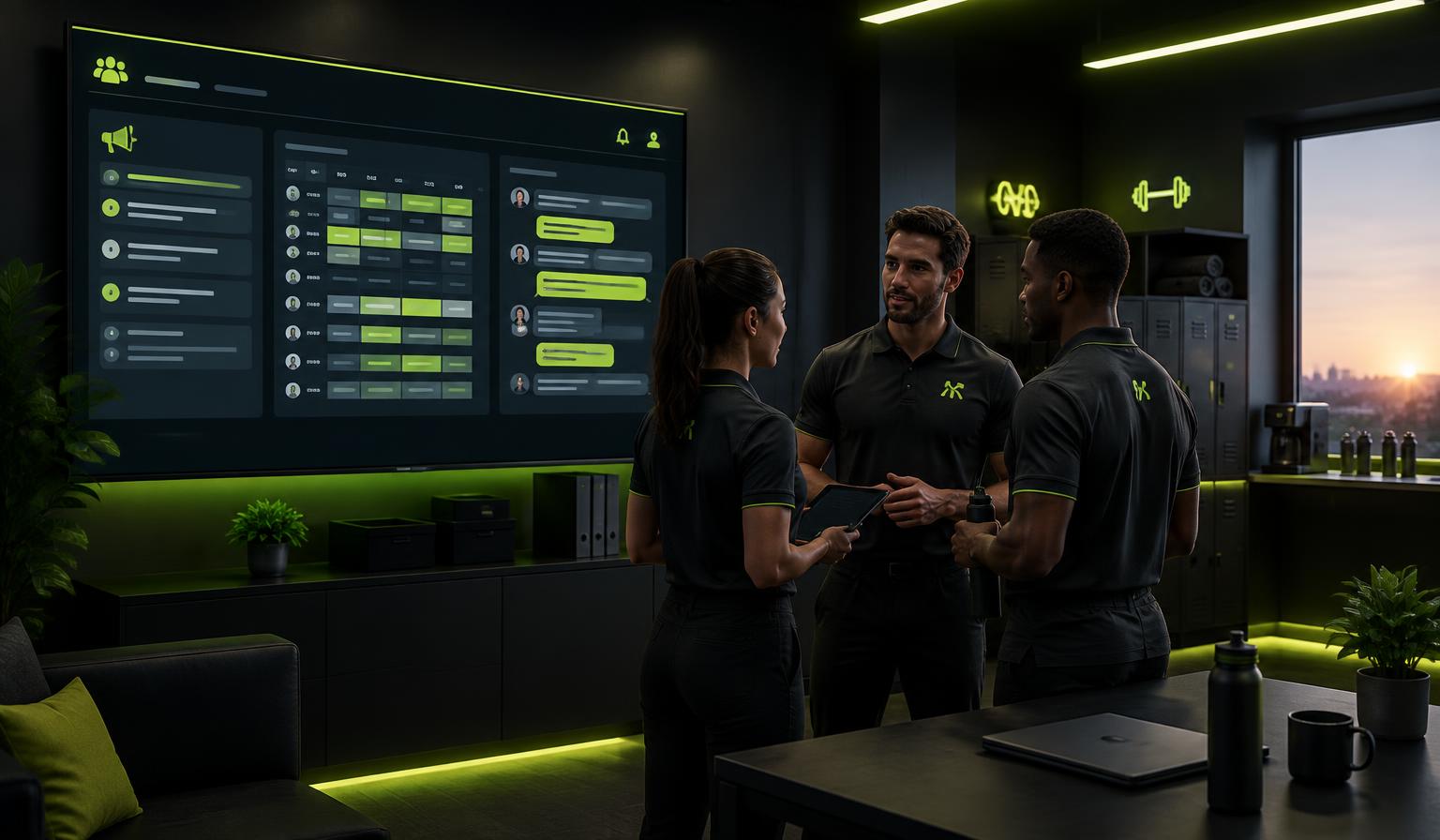
Five departments ready to go
Every center starts with Training, Café, Administration, Cleaning and Service. Owners and admins can rename, add or archive departments, and a person can belong to more than one.
- Default departments for every center
- Assign when adding staff or in Smart import
- Staff can be in several departments
A channel for each department
Each department gets its own chat channel automatically. Renaming the department renames the channel, and archiving it keeps the history.
- Created automatically
- Members follow department membership
- Unread counts on the staff dashboard
Notices and one shared staff calendar
Notices can carry pictures and be limited to a department, a staff type or a channel. The staff calendar is shared by everyone, but each event can be limited to a department, and staff can subscribe from Google Calendar or iPhone.
- Notices with inline pictures
- Department-only calendar events
- Subscribe from Google or Apple Calendar
How it works
Assign departments
Pick departments when you add staff or import them.
Post to the right people
Limit notices and events to the department they concern.
Everyone stays in sync
Managers see everything; staff see their departments and the whole team.
Common questions
Keep exploring
Related capabilities
Staff space — shifts, wall & docs
A private space for your team: shift calendar, cover requests, notices with seen-by, topic channels, documents, confirmations and staff conversations. Members never see it.
Learn moreStaff conversations & APV
Read-confirmed documents and planned conversations with agendas, minutes and actions.
Learn moreSmart people import
Import members and staff from CSV, Excel or XML with a role per row.
Learn more