One calendar for the whole center — and one for you
Members see their booked classes, holds and program days in a personal calendar. Staff see the same plus capacity, instructors and signup details. The shared center calendar ties it together — and everything syncs to Google Calendar and iCal.
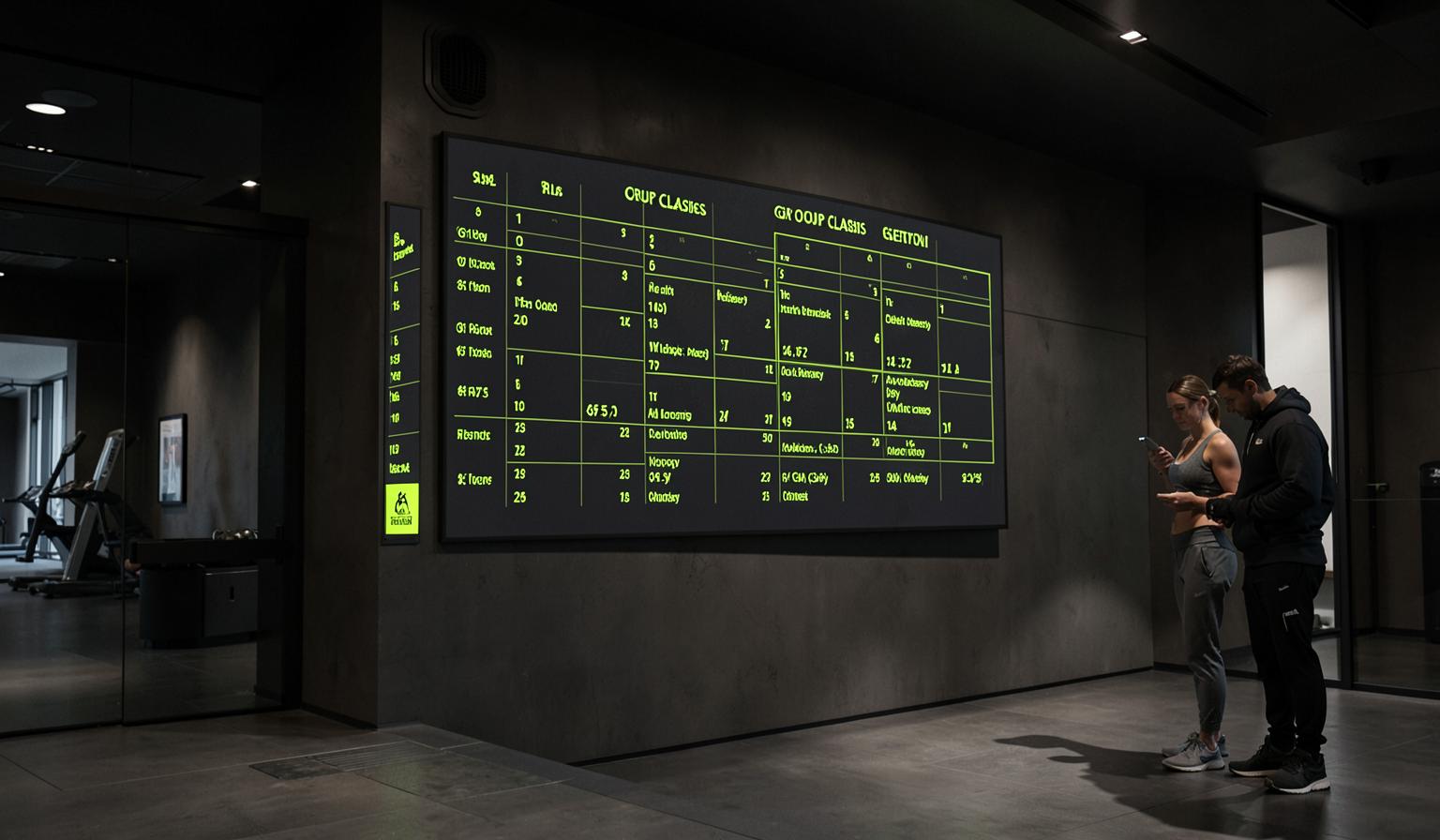
A personal calendar for everyone
Booked classes, hold sessions, program training days and logged activities land on each member's own calendar automatically. Staff get their own view with the classes they teach and the events they're responsible for.
- Bookings, holds and program days appear automatically
- Cancellations and rebookings update in place
- Reminders respect each member's notification settings
The shared center calendar
Every hold and class in the center shows up on one shared calendar. Members see what's on and book a spot; staff see the same events with roster size, capacity, instructor and room — the operational view, not just the poster.
- Member view: what's on, when, and book it
- Staff view: capacity, roster, instructor and room
- Filter by hold, instructor or room
Events beyond the class schedule
Staff can add center events — a Saturday open house, a technique workshop, a social run — with title, time, room and capacity. Each event can be pushed to members' Today page, shown to staff only, or kept on the calendar alone.
- Create events with room, capacity and recurrence
- Choose Today-page visibility for members or staff only
- Events support sign-up with capacity limits
It follows members into their own calendar app
Every class and event carries an Add to calendar link that works with Google Calendar, Apple Calendar and anything that reads iCal — including booking and cancellation state, so a moved class moves in the member's calendar too.
- Google Calendar and iCal/Apple Calendar support
- Recurring holds expand correctly across weeks
- Cancellations propagate to the member's calendar
How it works
Book or schedule as usual
Members book a class; staff schedule a hold or add an event. Nothing new to learn.
It lands on the right calendars
The booking appears on the member's personal calendar and the shared center calendar instantly.
Sync outward
Members add it to Google or Apple Calendar with one tap — changes follow automatically.
Common questions
Keep exploring
Related capabilities
Groups and invites
Build a small group, fill it from one search box, and invitees land inside the group instead of on a login page.
Learn moreClasses & bookings
Schedule, bookings, waitlists and fill-rate insight — with empty spots promoted for you.
Learn moreProgram builder
Instructors drag exercises onto a weekly canvas with live muscle-balance impact and injury-aware alternatives — or let the AI draft it.
Learn more