Your phone counts the reps. You just lift.
No band, no watch, no extra hardware. The motion sensors already in your phone follow the movement, count each rep as it finishes, and call out tempo and range while the set is running. When you rack it, the set is already logged.
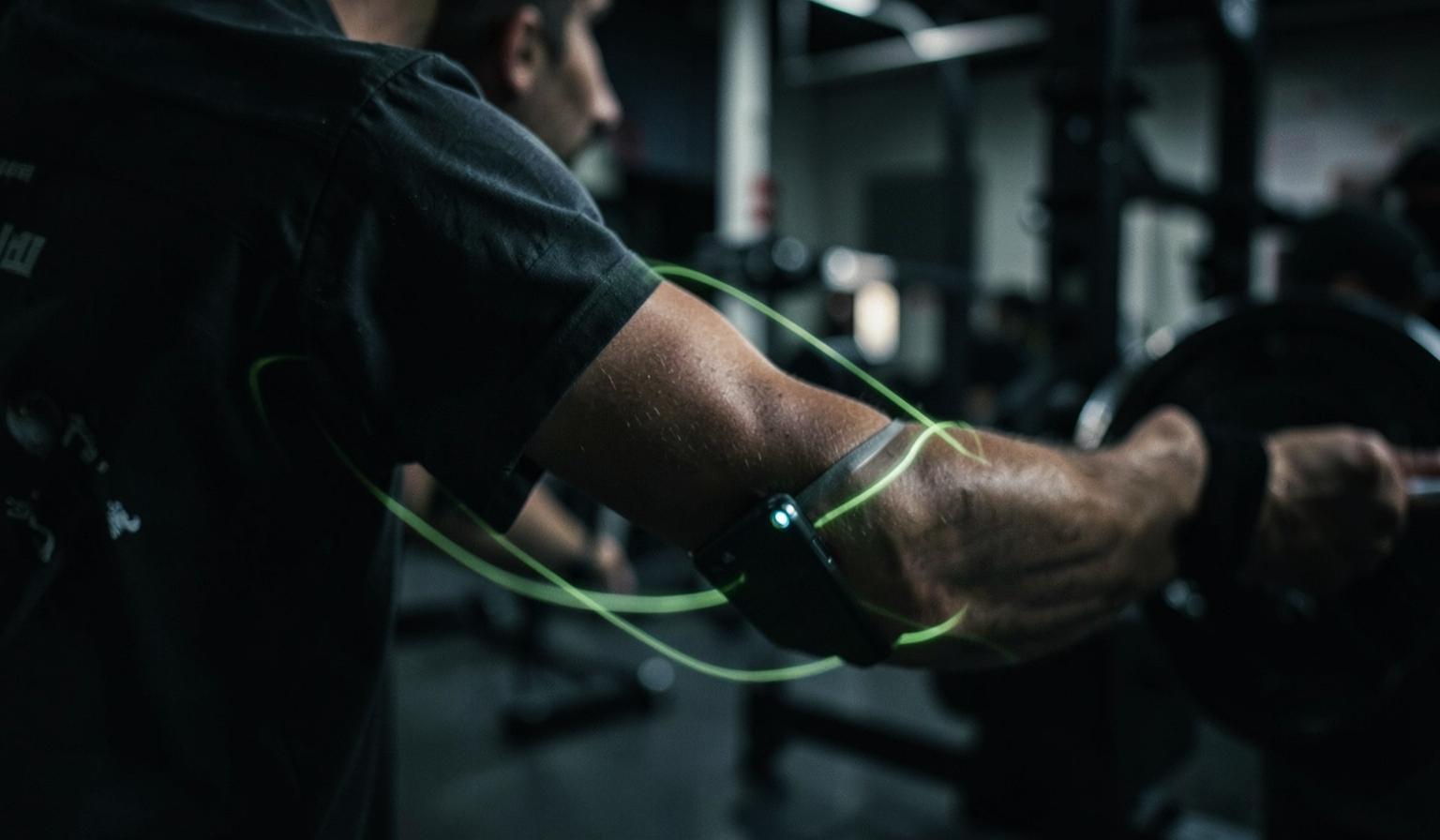
Counting that survives a real set
The counter locks onto the axis your movement actually travels along, smooths out the shake, and only accepts a rep when the full path has been completed both ways. Re-racking, wiping your hands and adjusting the bar do not add phantom reps.
- Finds the dominant movement axis by itself
- Adaptive thresholds instead of a fixed sensitivity slider
- Works with the phone in a pocket, on an arm strap or on the bench
Tempo and range, not just a number
Every rep is measured: how long the lowering phase took, how long the lift took, how deep the movement went and how smooth it stayed. You get a quality score per set instead of a tally.
- Eccentric and concentric time per rep
- Range-of-motion consistency across the set
- Smoothness flags when reps start getting thrown
A voice in the set, not after it
Cues arrive while there is still time to use them — slow the lowering, go deeper, two left. It speaks your language, and it stays quiet when the set is clean.
- Spoken cues in all 24 supported languages
- Only speaks when something is worth saying
- Mute it and keep the on-screen counter
Say "done" and move on
Hands chalked, phone across the room. Voice commands run the workout player — finish the set, jump to the next exercise, pause the timer — without touching a screen.
- Done, next and pause, recognised in your language
- Rep count and metrics fill the set automatically
- One toggle turns the microphone off entirely
It feeds the same log as everything else
Counted reps land in your normal set history, so progression, session score and your coach's next suggestion all read the same numbers you actually produced.
- Motion metrics stored alongside weight and reps
- Edit anything the sensor got wrong in one tap
- Nothing leaves your device except the finished set
How it works
Turn it on for the set
Tap the motion card in the workout player and allow motion access — iPhone asks once.
Park the phone and lift
Pocket, arm strap or bench. The counter calibrates on your first rep and follows from there.
Rack it — it's logged
Reps, tempo and range are already filled in. Say "next" or tap once to keep going.
Common questions
Keep exploring
Related capabilities
Live workout player
Full‑screen video guides, rest ring with a next‑exercise preview, voice cues, PR confetti, stop & continue later.
Learn moreReadiness-adjusted loads
Sleep, stress, motivation and pain reshape today's weights before the first set — with a reason on every change.
Learn moreAI form‑check
Upload a set video and get a written breakdown of tempo, depth and cues to fix.
Learn more