Your history comes with you
Years of runs, rides, steps and heart rate should not be stranded in an app you stopped using. Import from Apple Health, Google Fit, Garmin or Strava and it merges into one timeline next to your strength work.
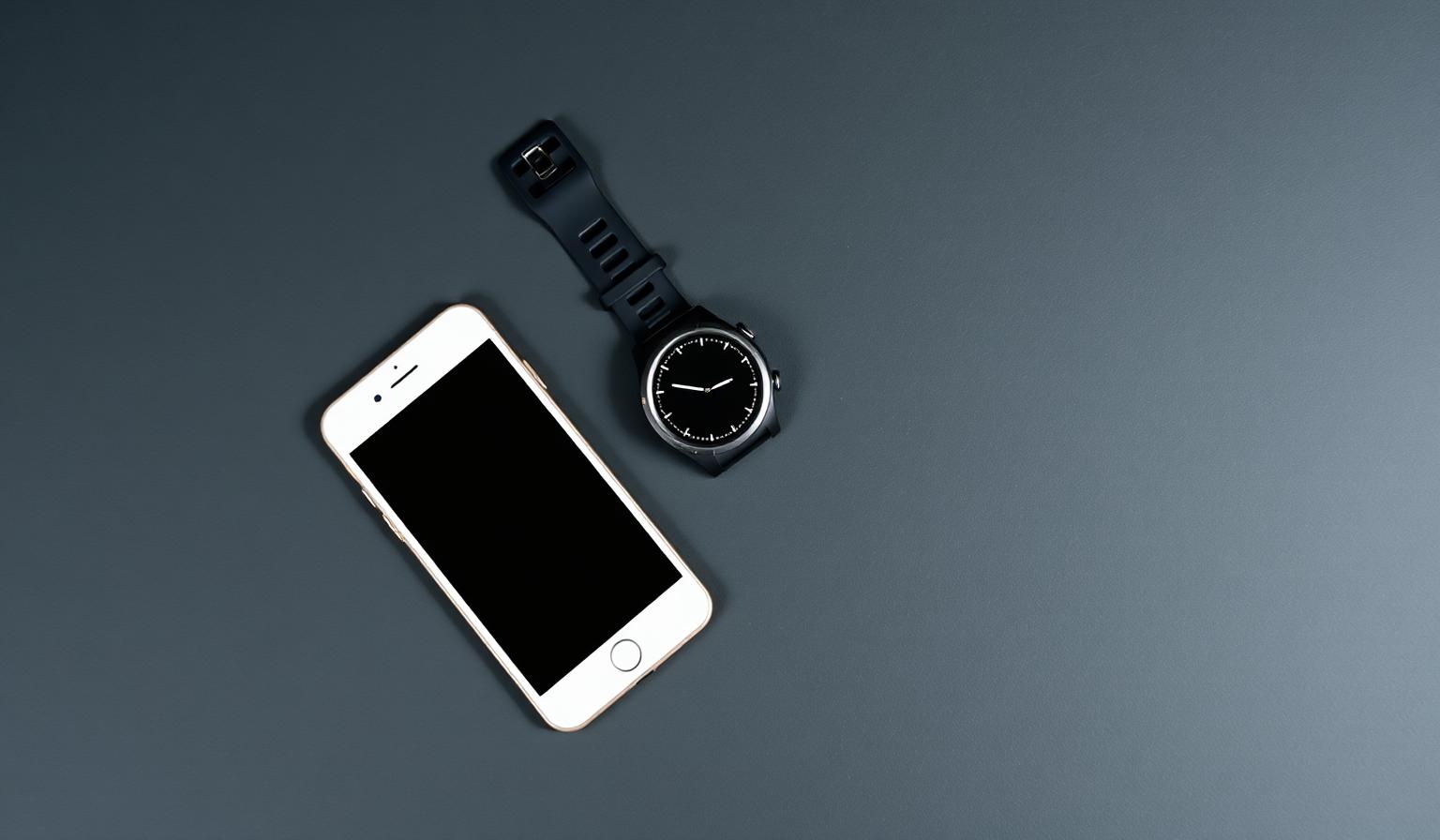
One export, one drop
Export your archive from Apple Health or Google Fit and drop the file into FitMove.ai. We read the workouts, steps, weight and heart-rate history, show you what we found, and let you confirm before anything is saved.
- Apple Health export.zip supported directly
- Google Fit Takeout files read as-is
- A preview of what was found before you import
Sources merge into one training timeline
Watches and bikes included
Garmin, Wahoo and most cycling computers write standard .fit files. Drop them in and each activity arrives with duration, distance, pace and heart-rate zones — the same shape as a session recorded in the app.
- .fit and .gpx files from any compatible device
- Heart-rate zones and pace preserved
- Connect Strava to keep new activities flowing in
Parsed on your device
Health exports are large and personal, so we read them in your browser. Only the summarised activities you choose to keep are uploaded — the raw archive never leaves your phone or laptop.
- Files are parsed locally, not on a server
- You choose what gets kept
- Delete imported data again in one action
It actually changes your training
Imported cardio counts towards your weekly load, feeds the recovery view and informs what the coach plans next. A hard 90-minute ride on Sunday means Monday's session is written accordingly.
- Cardio volume folded into weekly load
- Recovery and readiness account for outdoor work
- Long-term progress charts start on day one
How it works
Export
Ask Apple Health, Google Fit or your watch app for your data export.
Drop it in
Open Import in Settings and drop the file — it is read right there in the browser.
Keep training
Your history appears in progress, load and everything the coach plans next.
Common questions
Keep exploring
Related capabilities
Connected cardio
Machine metrics read over Bluetooth and logged for you.
Learn moreProgress & achievements
PRs, streaks, badges, weekly recap and a full training history you can export.
Learn moreInjury‑aware programming
Flag a knee, shoulder or back issue and every session is filtered around it — automatically.
Learn more