Print it, hang it, watch what it brings in.
Pick one of five layouts, drop in your logo and accent colour, download a print-ready PDF. Whoever scans it lands on your center's sign-up — and you see the scans, the sign-ups and the drop-off, surface by surface.
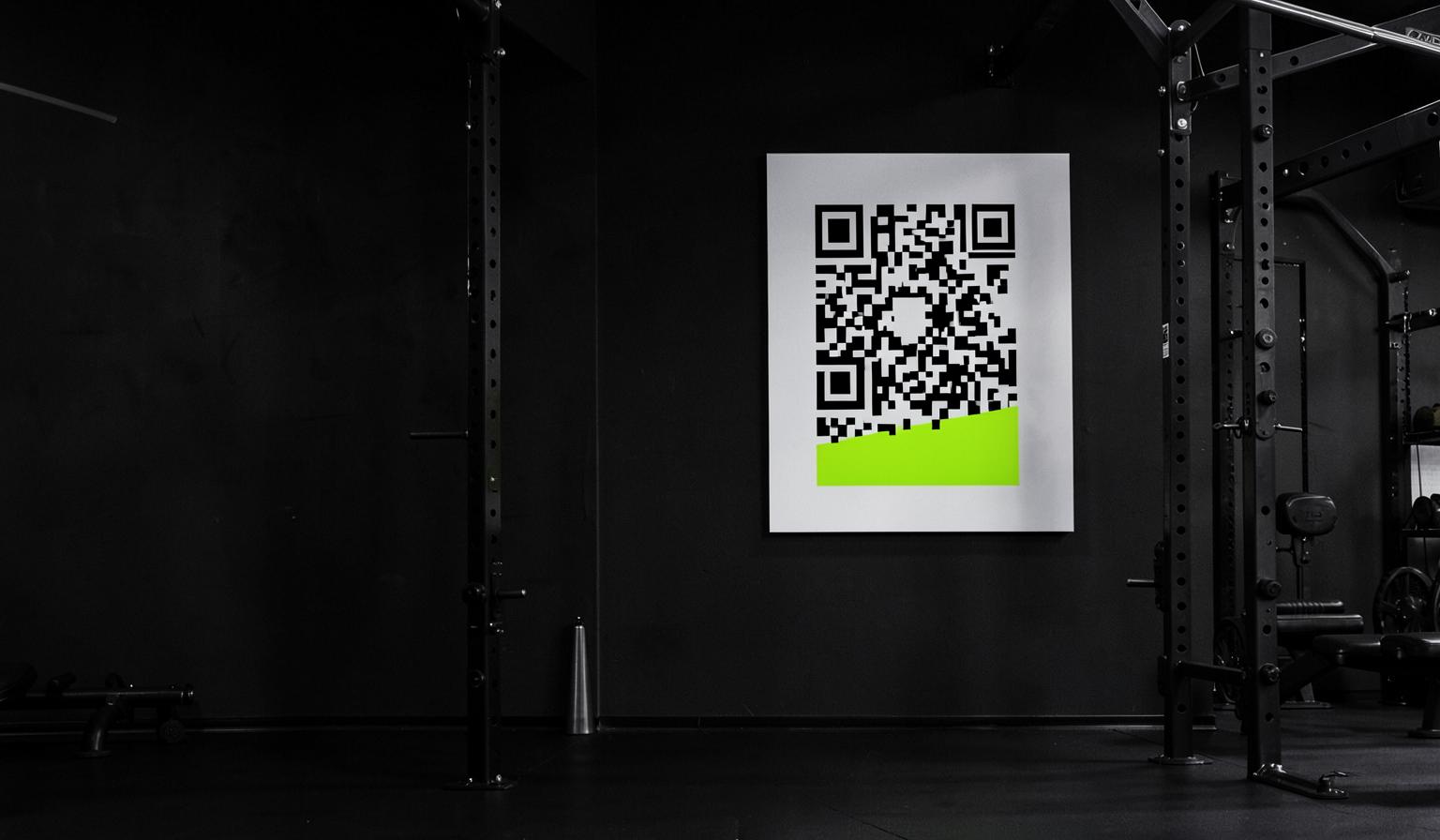
Five layouts, none of them generic
Bold, Clean, Split, Focus and Editorial — each designed for a different wall. Big statement piece by the entrance, quiet A5 by the water cooler, editorial sheet for the noticeboard.
- Preview every layout before you print
- A4, A3 and A5 in portrait or landscape
- Vector PDF that stays sharp at any size
It looks like your gym, not like a tool
Your logo, your accent colour, your headline. The layout keeps the typography and spacing intact, so a poster made by the front-desk staff still looks designed.
- Upload your logo or use your center name
- Accent colour applied across the whole layout
- Headline and sub-line in any of 24 languages
The scan lands somewhere useful
Not your website. A member scanning the poster gets your center's join screen, keeps the center attached through sign-up, and is a member on the other side — no code to type in at the desk.
- Join link tied to your center, not a generic app store page
- Existing accounts join with one tap
- Works from the lock screen camera, no app install first
Every code on the wall is measured
Each poster carries its own tag, so the dashboard can tell you which wall works. Scans, unique visitors, conversions and conversion rate — and the trail of what each scanner did afterwards.
- Scans, unique visitors and conversion rate per surface
- Scan trail showing what happened after the scan
- Quiet surfaces flagged so you can move the poster
Your morning brief notices
The center's daily intelligence reads the same scan data — which codes ran hot yesterday, which have gone silent, and what to do about it — written in your staff's language.
- Top-scanned surfaces and machines in the brief
- Dead signage flagged before it wastes a month
- One tap from the brief into the full scan report
How it works
Choose a layout
Five designs, your logo and colour, live preview as you edit.
Download and print
Print-ready PDF in the size you need. Hang it anywhere.
Watch the funnel
Scans, joins and drop-off per surface, updated as it happens.
Common questions
Keep exploring
Related capabilities
Screens on the floor
TV screens built from live center data — weather, news, spotting asks and joinable sessions, with QR codes you can measure.
Learn moreWebsite embeds & leads
Put your schedule, screen or a lead form on your own site, styled to your brand.
Learn moreFor fitness centers
Give your members a guided tour of your gym — equipment, floor plan, groups and assigned programs.
Learn more